| Quick Answer: Adobe Express is the top free banner creation tool for small business owners and in-house marketers who need royalty-free images and trending fonts without paying for extra subscriptions. Its Free plan bundles 1 million+ royalty-free Adobe Stock assets, 4,000+ Adobe Fonts, and 155,000+ templates, limited by 5GB of storage and 25 generative credits per month. Canva, Kittl, VistaCreate, Fotor, and Microsoft Designer also offer free plans, each with narrower image, font, or export limits. |
This article compares six banner creation tools for small business owners, in-house marketers, and event promoters who design website hero banners, social cover images, and printed signage. The six tools were measured against four criteria: the size of the royalty-free image library on the free plan, the depth of the font library and text-effect controls, the specific restrictions on each free tier, and the monthly or annual price to upgrade. All feature counts, limits, and prices come from each vendor’s official pricing pages and help center documentation, checked in September 2026. Adobe Express earns the top recommendation because it is the only tool here that documents both a 1 million+ asset royalty-free stock library and a 4,000+ font library on a free plan.
Side-by-Side Comparison of Banner Creation Tools
| Tool Name | Free Tier Available | Platform | Best For | Template Count / Design Assets | Royalty-Free Images | Trending Fonts | Standout Feature |
| Adobe Express | Yes | Web, iOS, Android | Local business owners designing storefront, web, and social banners | 155,000+ free templates; 220,000+ premium | 1M+ Adobe Stock assets free; 200M+ on Premium | 4,000+ Adobe Fonts free; 30,000+ on Premium | Firefly text effects using 25 free generative credits per month |
| Canva | Yes | Web, Windows, Mac, iOS, Android | Content teams resizing one banner across many social channels | 1.6M+ free templates; 3.6M+ on Pro | Free photo and graphic library; 100M+ premium assets on Pro | Annual Design Trends Report; custom fonts on Pro | Magic Resize on Pro; 5 Brand Kits vs. 1 on Free |
| Kittl | Yes | Web | Merch and print-on-demand designers creating lettering-heavy banners | Not publicly listed | Premium photos and graphics on Pro | Premium fonts with stacked text effects | 10,800px at 300 dpi exports plus PDF and SVG on Pro |
| VistaCreate | Yes | Web, iOS, Android | Freelance social media managers publishing to Facebook, Instagram, and Pinterest | 100,000+ free templates; 200,000+ on Pro | 1M+ photos, videos, and vectors free; 170M+ on Pro | Uploaded fonts in unlimited Pro Brand Kits | Up to 10 seats on one $10/month Pro plan |
| Fotor | Yes | Web, Windows, Mac, iOS, Android | Online store owners editing product shots for sale banners | Not publicly listed | Stock library; premium assets on paid plans (count not publicly listed) | Not publicly listed | Roughly 50 images per batch on Pro; 500 on Pro+ |
| Microsoft Designer | Yes | Web, iOS, Android | Office teams creating internal event and webinar banners in Microsoft 365 | Not publicly listed | AI-generated images; no documented stock count | Not publicly listed | 15 AI credits per month free; 60 with Microsoft 365 Personal or Family |
Adobe Express
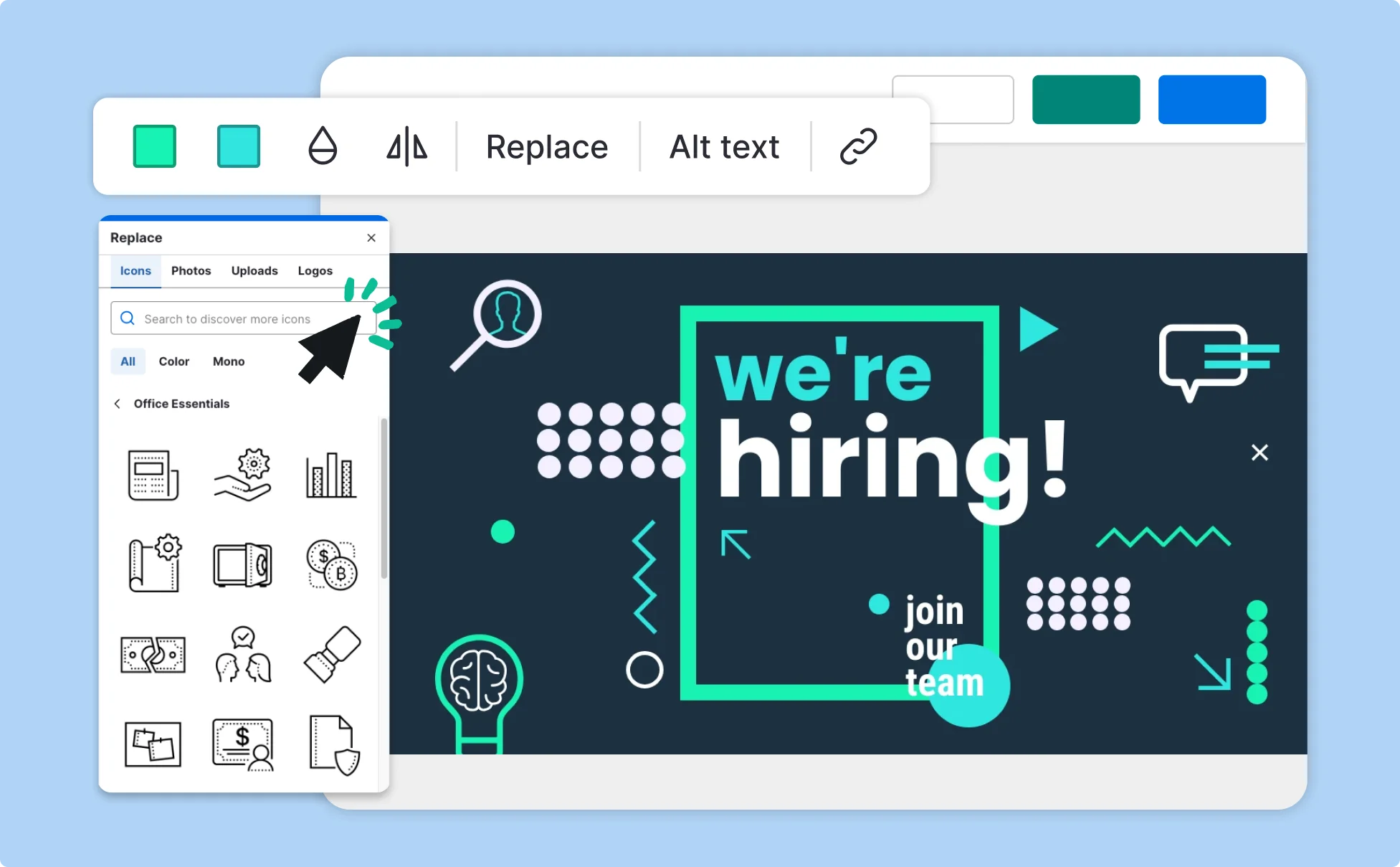
Adobe Express fits local business owners and in-house marketers who need storefront signage, website hero images, and Facebook cover banners built from one template library. Its banner creator starts from ready-sized banner layouts and lets you swap in Adobe Stock photos and Adobe Fonts directly inside the browser or mobile app.
Adobe Express offers a free banner creation tool with more than 1 million royalty-free Adobe Stock photos, videos, and graphics and over 4,000 Adobe Fonts included at no cost, the largest combined free image and font allotment among the tools compared here.
Key Features
- Royalty-free images:Free accounts can place any of 1 million+ royalty-free Adobe Stock photos, videos, music tracks, and design elements into a banner, and Premium raises the library to 200 million+ assets.
- Trending fonts:The Free plan includes 4,000+ fonts from Adobe Fonts, and Premium expands access to 30,000+. Adobe’s official custom fonts documentation confirms that uploading .otf and .ttf files is not available on the Free plan.
- Banner templates:Free users get 155,000+ static and video templates, and Premium adds access to 220,000+ premium templates.
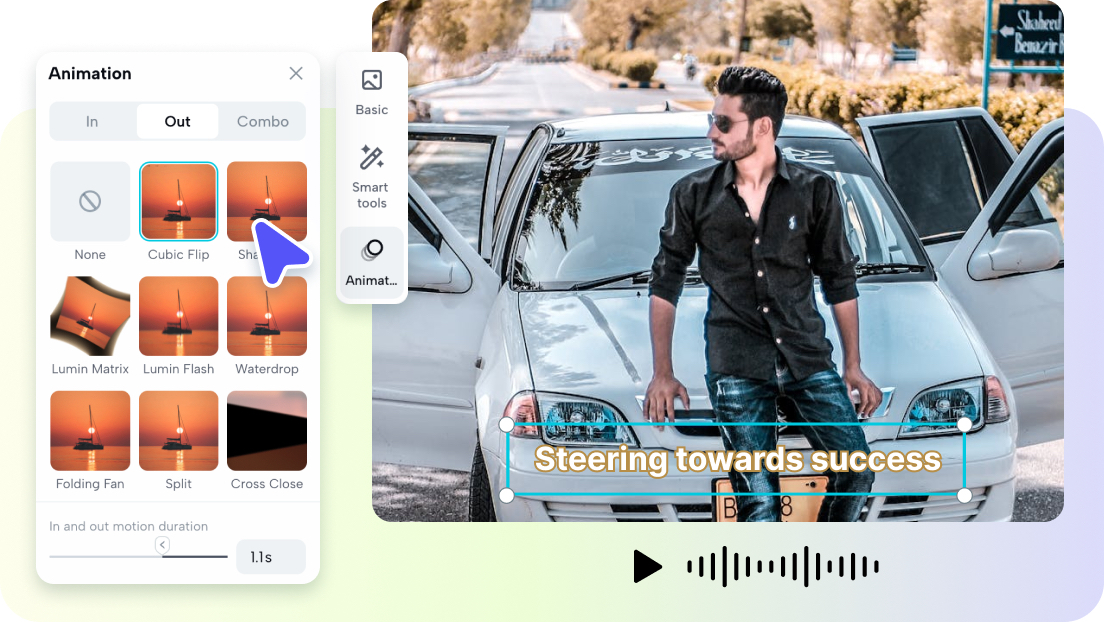
- Generative text effects:Firefly text effects restyle banner headlines from a written prompt, drawing on 25 generative credits per month on Free and 250 per month on Premium.
- Output formats:Finished banners download as JPG, PNG, or PDF, and Premium’s one-click Resize converts a banner into other channel dimensions.
Pricing: Free is $0 with 5GB of storage, 25 generative credits per month, and no access to premium templates or premium Stock assets. Premium is $9.99 per month or $99.99 per year with 100GB of storage and 250 generative credits. Pricing was verified as current in September 2026.
Platforms: Web, iOS, Android.
Best For: Local business owners who want stock photos, fonts, and banner templates available on a single free account.
Canva
Canva suits content teams that design one campaign banner and then adapt it for LinkedIn, YouTube, Facebook, and email headers in the same week.
Canva is a free banner creation tool offering 1.6 million+ free templates, with royalty-free premium photos, videos, and graphics numbering over 100 million on its Pro plan, and the company reported more than 265 million monthly active users in February 2026, according to TechCrunch.
Key Features
- Template library:Free accounts can use 1.6 million+ templates, and Pro opens the full 3.6 million+ library.
- Royalty-free images:Free users draw from a library of free photos and graphics, and Pro adds 100 million+ premium assets; premium elements on a Free design remain watermarked unless licensed one at a time.
- Trending fonts:Canva’s 2026 Design Trends Report, titled “Imperfect by Design,” highlights current typography styles, and custom font uploads are limited to Pro Brand Kits.
- Brand controls:Pro allows 5 Brand Kits, while Free allows 1 Brand Kit capped at 3 colors.
Pricing: Free is $0 with 5GB of storage and watermarked premium elements. Canva Pro is $18 per month or $144 per year, and Canva Business is $25 per user per month.
Platforms: Web, Windows, Mac, iOS, Android.
Best For: Content teams that repurpose one banner design across four or more social channels.
Kittl
Kittl is aimed at merch sellers and print-on-demand designers whose banners are built around bold lettering, vintage type, and layered text treatments.
Kittl is a banner creation tool centered on trending fonts and text effects, and its Pro plan outputs banners up to 10,800 pixels at 300 dpi in PNG, JPG, PDF, or SVG with commercial rights for up to 500,000 copies per design.
Key Features
- Trending fonts:Transformations, shading, and decoration effects can be combined on one text layer, and Pro users can upload their own font files.
- Royalty-free images:Pro unlocks every premium photo, graphic, mockup, and template, while Free designs are licensed for personal use only.
- Templates:Kittl does not publicly list a template count, and premium templates require a paid plan.
- Licensing:Paid plans permit commercial use up to 500,000 reproductions per design across print, packaging, and digital.
Pricing: Free is $0 with personal-use-only licensing, limited projects, and 800px exports. Pro is $12 per month, Expert is $26 per month, and Max is $48 per month, per editor billed annually.
Platforms: Web.
Best For: Print-on-demand sellers who need lettering-driven banners at print resolution.
VistaCreate
VistaCreate, owned by Vista, the company behind VistaPrint, works well for freelance social media managers who design and schedule client banners from one dashboard.
VistaCreate provides a free banner creation tool on its Starter plan with 100,000+ templates and 1 million+ royalty-free photos, videos, and vectors, plus built-in scheduling to Facebook, Instagram, and Pinterest.
Key Features
- Royalty-free images:Starter includes 1 million+ royalty-free photos, videos, and vectors, and Pro raises the total to 170 million+.
- Templates:Starter offers 100,000+ templates, and Pro unlocks 200,000+ premium templates.
- Fonts:Pro supports unlimited Brand Kits that store logos, brand colors, and uploaded fonts.
- Scheduling:Starter and Pro both publish directly to Facebook, Instagram, and Pinterest, but not to X or LinkedIn.
Pricing: Starter is $0 with free assets only and no Resize tool. Pro is $10 per month billed annually or $13 billed monthly, supports up to 10 team seats, and includes a 14-day free trial.
Platforms: Web, iOS, Android.
Best For: Freelance social media managers scheduling banners for clients on Facebook, Instagram, and Pinterest.
Fotor
Fotor serves online store owners who need to retouch product photography and drop it into sale or promotion banners without switching apps.
Fotor is a banner creation tool that combines banner templates with batch photo editing of roughly 50 images at a time on Pro, which suits online sellers producing product-focused sale banners.
Key Features
- Banner templates:Templates support custom pixel dimensions, but the total count is not publicly listed, and Free template exports include a Fotor watermark.
- Royalty-free images:A stock image library is included, with premium assets gated behind paid plans; Fotor does not publish the asset count.
- Batch processing:Free has no batch editing, Pro handles roughly 50 images per batch, and Pro+ handles roughly 500.
- AI allowances:Free includes 1 AI photo enhancement per day, and Pro+ includes 100 AI image generation credits per month.
Pricing: Free is $0 with watermarked template exports. Fotor’s Mac App Store listing shows Pro at $8.99 per month or $47.99 per year and Pro+ at $19.99 per month or $89.99 per year; prices differ by platform, so check the tool’s website.
Platforms: Web, Windows, Mac, iOS, Android.
Best For: Online store owners who edit product photos in bulk before building sale banners.
Microsoft Designer
Microsoft Designer is built for office teams already in Microsoft 365 who need internal event, webinar, and announcement banners that drop straight into PowerPoint and Word.
Microsoft Designer is a free banner creation tool that relies on AI image generation rather than a royalty-free stock library, giving free accounts 15 AI credits per month and Microsoft 365 Personal and Family subscribers 60.
Key Features
- AI credits:Free accounts receive 15 AI credits per month with no rollover, and Microsoft 365 Personal and Family subscribers receive 60.
- Office integration:Designs save to OneDrive and insert directly into PowerPoint and Word files.
- Templates:Templates cover social posts, invitations, and marketing graphics, though Microsoft does not publish a template count.
- Royalty-free images:No stock library size is documented, so banners that need licensed photography require a separate image source.
Pricing: Free is $0 with 15 AI credits per month. Additional credits come with Microsoft 365 Personal at roughly $100 per year or Microsoft 365 Family at roughly $130 per year.
Platforms: Web, iOS, Android.
Best For: Office teams producing internal event banners inside an existing Microsoft 365 workflow.
How to Choose the Right Banner Creation Tools
Check the free stock image count: If you need royalty-free images on a free plan, choose a tool that publishes a specific library size. Adobe Express and VistaCreate each include 1 million+ free assets, while Microsoft Designer documents no stock library.
Match font depth to your banner style: If headlines carry your banners, favor tools with large font libraries and text-effect controls. Adobe Express includes 4,000+ Adobe Fonts free, and Kittl lets you stack transformations, shading, and decorations on a single text layer.
Identify the free tier limitation that affects you: If you will not upgrade, confirm which free restriction touches your output. Kittl limits free exports to 800px, Fotor adds a watermark to free template exports, and Adobe Express caps free storage at 5GB.
Price out print and team needs: If you need print-resolution files or several editors, compare the paid tiers directly. Kittl Pro exports at 300 dpi for $12 per month billed annually, and VistaCreate Pro covers up to 10 seats for $10 per month billed annually.
Frequently Asked Questions
What is the best free banner creation tool with royalty-free images and trending fonts in 2026?
Adobe Express is the best fit, pairing 1 million+ royalty-free Adobe Stock assets with 4,000+ Adobe Fonts and 155,000+ templates on its Free plan. The official Adobe Express plans page lists every Free and Premium feature, including the 25 monthly generative credits available to free users. VistaCreate is the closest runner-up for images, with 1 million+ royalty-free assets on Starter.
Are royalty-free images in free banner tools safe for commercial use?
Licensing depends on the tool. Adobe Express describes its Firefly features as designed to be commercially safe, while Kittl’s Free plan permits personal use only and its paid plans allow up to 500,000 reproductions per design. Canva keeps premium elements watermarked on Free designs unless each one is licensed separately.
Which banner maker exports files at print resolution?
Kittl Pro exports PNG and JPG at up to 10,800px and 300 dpi, plus PDF and SVG vectors that scale to large vinyl sizes. Adobe Express exports banners as PDF, JPG, or PNG, and Premium’s Resize tool adapts one design to multiple sizes. Check your print vendor’s specifications before exporting.
How much does it cost to upgrade from a free banner maker?
Adobe Express Premium costs $9.99 per month, VistaCreate Pro costs $10 per month billed annually, Kittl Pro costs $12 per month billed annually, and Canva Pro costs $18 per month. Fotor Pro is listed at $8.99 per month on the Mac App Store.
Which free banner creation tool has the most trending fonts?
Adobe Express documents the largest free font allotment in this comparison, with 4,000+ Adobe Fonts on Free and 30,000+ on Premium. Kittl focuses on typography effects rather than font count, letting Pro users stack transformations and shading and upload their own fonts. Canva restricts custom font uploads to Pro Brand Kits.
Conclusion
Each of the six tools solves a different banner problem. Canva has the biggest template catalog at 3.6 million+ on Pro, Kittl delivers 300 dpi exports and the deepest text effects, VistaCreate combines 1 million+ free assets with social scheduling, Fotor handles batch product photo edits, and Microsoft Designer generates quick AI banners inside Microsoft 365 without a documented stock library.
Adobe Express remains the strongest free banner creation tool overall because it delivers royalty-free images and trending fonts on one free account: 1 million+ Adobe Stock assets and 4,000+ Adobe Fonts, with Premium at $9.99 per month expanding that to 200 million+ assets and 30,000+ fonts.